
Inspect
Hawknet for Roblox
Describe the world. Watch Studio move.
Hawknet gives your agent the live scene, Luau, playtests, and visual feedback inside Roblox Studio.
Claude Code · Codex CLI · Cursor · any MCP client
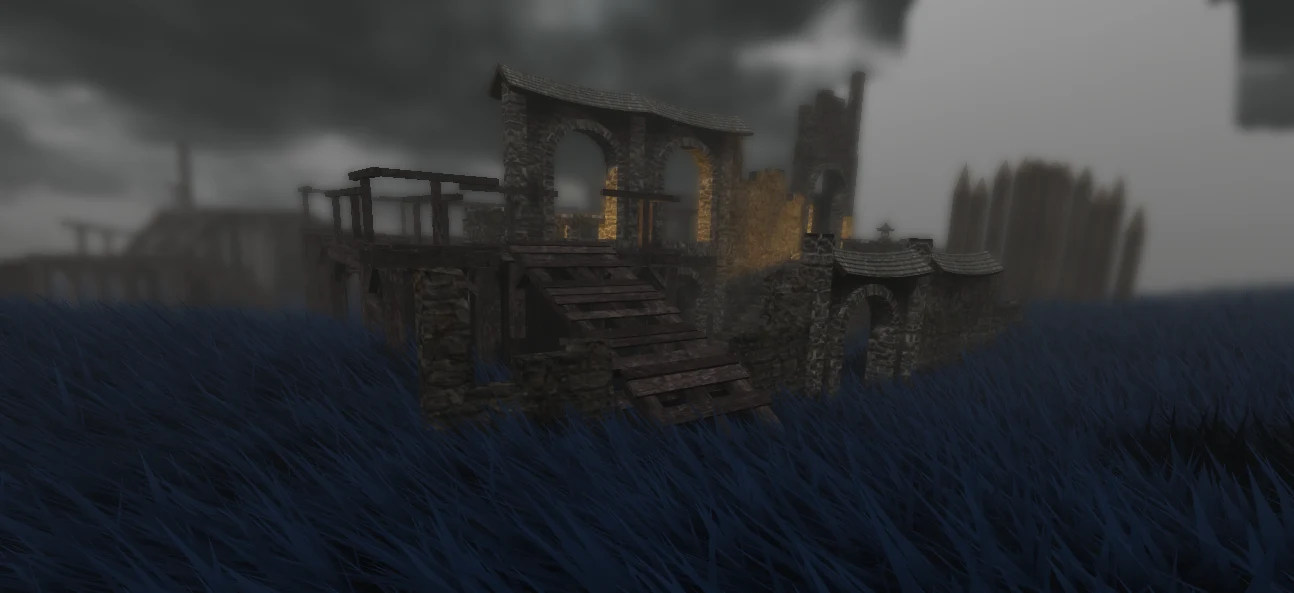
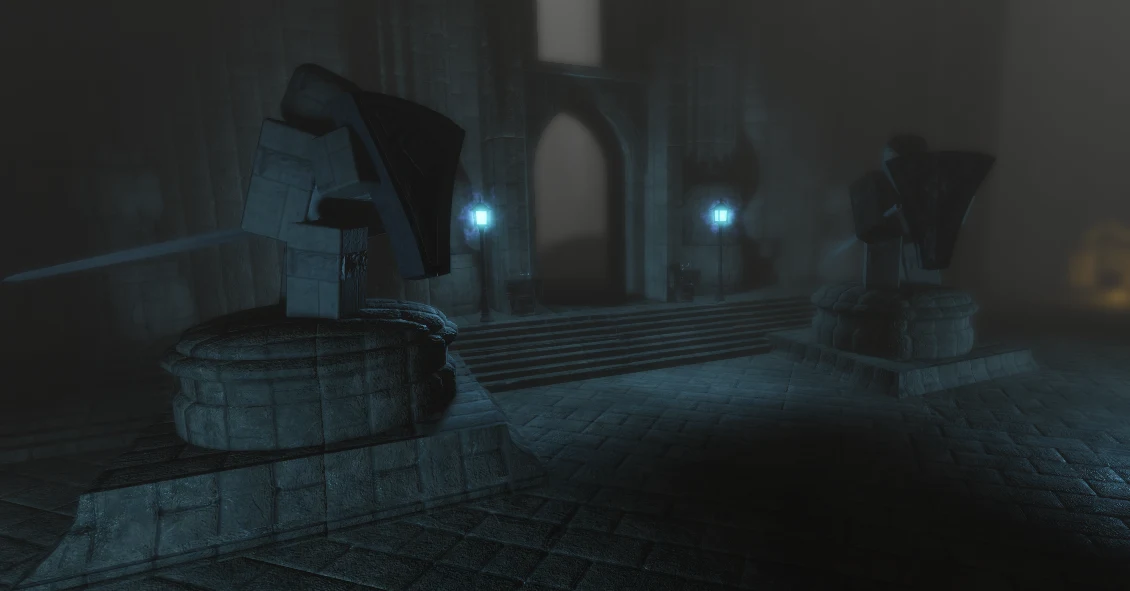
Edit
Changes land in Studio.
Create, move, rename, and delete instances; set properties; patch Luau with Studio undo.Run
Playtests run against the game.
Start a local session, drive player input, run assertions, and inspect runtime logs.Verify
Capture what Studio shows.
Hawknet returns Studio pixels so the agent can inspect the result before the next change.Inspect Read the DataModel, properties, scripts, and selection.
Edit Change instances and Luau with Studio undo.
Run Drive playtests, assertions, input, and runtime logs.
Verify Capture Studio pixels and inspect the result.
Studio stays in the conversation.
The editor is not a final destination after the AI finishes thinking. It is the shared surface the agent reads, changes, runs, and checks.
Claude Code · Codex CLI · Cursor · other MCP-compatible clients
- 01
Work in the live place
Inspect the DataModel, create instances, and edit properties without translating the scene into a disconnected brief.
Scene + instances - 02
Read and write Luau
Open the real scripts, follow references, patch source, and catch errors in the same project the team has open.
Scripts + references - 03
Run the game
Launch playtests and execute code so the agent can check behavior instead of stopping after a plausible edit.
Playtests + execution - 04
Keep agents coordinated
Session identity, locks, change history, and editor undo keep parallel work reviewable.
Locks + history - 05
Finish the release work
Use supported Open Cloud workflows to publish places, upload assets, and manage game products.
Open Cloud
The shortest path is local.
Hawknet adds no cloud relay between your AI client and Studio. The model provider still follows that provider's own settings.
- 01
Local bridge
Agent calls reach Roblox Studio through the Hawknet bridge running on your machine.
- 02
Zero daemon telemetry
The daemon sends no usage telemetry and adds no Hawknet cloud relay to the agent-to-app path.
- 03
Undo and history
Change history keeps agent work reviewable, with editor undo where the target exposes it.
- 04
Session locks
Session identity and locks keep parallel agents from writing over one another.
Questions before you connect Studio.
The short version of how Hawknet fits into an existing Roblox workflow.
What is Hawknet?
Hawknet is a Roblox MCP bridge that connects Claude Code, Codex, Cursor, and other AI clients to Roblox Studio so they can read scripts, write Luau, debug errors, and run playtests.
Can I use AI directly in Roblox Studio?
Yes. Hawknet gives your AI direct access to the live Roblox Studio project through MCP, so it can inspect the actual DataModel and make changes in Studio instead of relying on disconnected snippets.
Which AI clients work with Hawknet?
Hawknet supports Claude Code, Codex CLI, Cursor, and other MCP-compatible clients. The installer auto-configures the main clients, and you can also add unsupported ones manually.
One plan. Every surface.
$3.99 per month
12-day free trial. Cancel anytime.
Already subscribed? Your next 3 months are free.
Self-updates on the stable channel. Manage your subscription in the customer portal.
Works with · local-first · zero telemetry
- Roblox Studio and Blender on the stable channel
- KiCad, FreeCAD, and Aseprite on the experimental channel
- Claude Code, Codex, Cursor, or any MCP client
- Live scene reads and real edits in the running app
- Playtest automation, screenshots, and self-verification
- Lint, format, and type-check built into the daemon
- Multi-agent sessions, locks, history, and filesystem sync
- Every new surface and update, included
1
Install
$ curl -sSfL https://hawknet.cloud.whitehawkgroup.net/install.sh | bash 2